

In my last video I talked about how to make your meetings more productive and reduce time spent on calls. If you haven’t seen it yet, I recommend watching it 😉
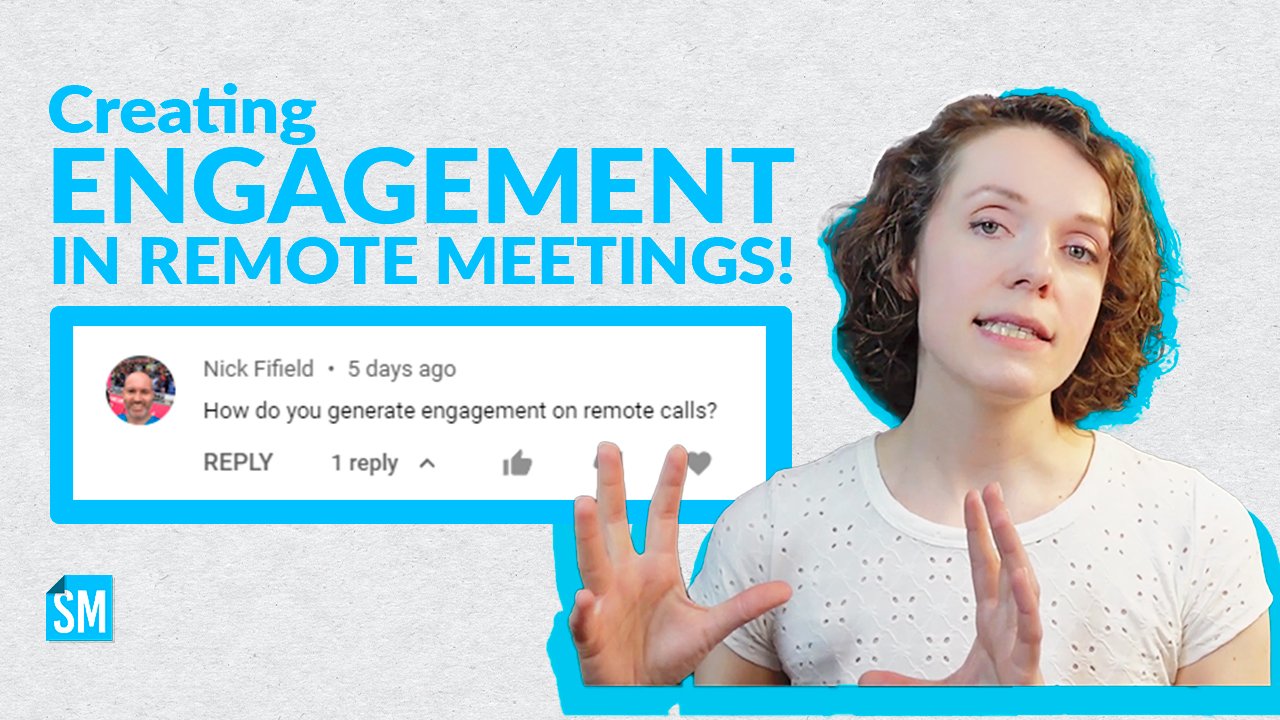
Anyway, one of the subscribers asked a great question: how do you create engagement in remote meetings?

In this video, I’m talking about four rules you need to take into account if you want to create more engagement in your remote meetings. Watch the video to learn more about them.
4 rules for remote meetings
Ok, I call them rules, but they are more like recommendations that I have seen working well.
1 - Camera On!
I know many remote teams are struggling with this. But let me tell you - it’s absolutely essential.
Make it a word agreement. Get some help from your management. Find a way to make “camera on” a must - this is what replaces face-to-face communication (you remember that Agile principle?)
I had an absolutely terrible experience in a PSM class once when 90% of people didn’t turn on their cameras (even though I asked them to do it). Honestly, I just wanted to leave in the middle of it because I really felt like I’m talking to myself and no one is listening. Never again…
👉 Btw, if you are attending an online event and especially an online class, PLEASE be respectful towards your instructor and turn on your camera!
2 - Informal communication
Do you remember that term “water cooler chat”? It’s been so long since many of us have experience that.
That informal communication is what helped us build stronger relationships with our colleagues and get to know them better.
When we work remotely we don’t often get a chance to do that. That is why it’s important to re-create it in other ways.
Organize team building events. Run some ice breakers during meetings. Set the first or last 10 minutes of the meeting for informal talk.
3 - Structure
You just can’t run your remote meetings the same way as you ran the in-person ones! For some reason, no one really realizes that.
When we work remotely it is much more difficult to stay focused and follow the conversation closely - there are too many other distractions.
Having a good facilitation structure can be extremely helpful in getting people to engage some more.
And remember a good rule: break down larger groups into smaller ones for discussions.

Need help with facilitation?
You can find lots of practical tools with templates for remote meetings in ScrumMastered shop.
4 - Appropriate tools
As you might know by now, I’m a big fan of tools like Miro, Mural, Zenboard and more. They are great for creating engagement.
Use technology to your favor! There is much more that you can do to bring people together apart from the video call itself.
And what are your super techniques for creating engagement in remote meetings? Share in the comments 👇